
CleanSpace
Photo & storage cleaner
CleanSpace: Clean up your iPhone storage in one tap.
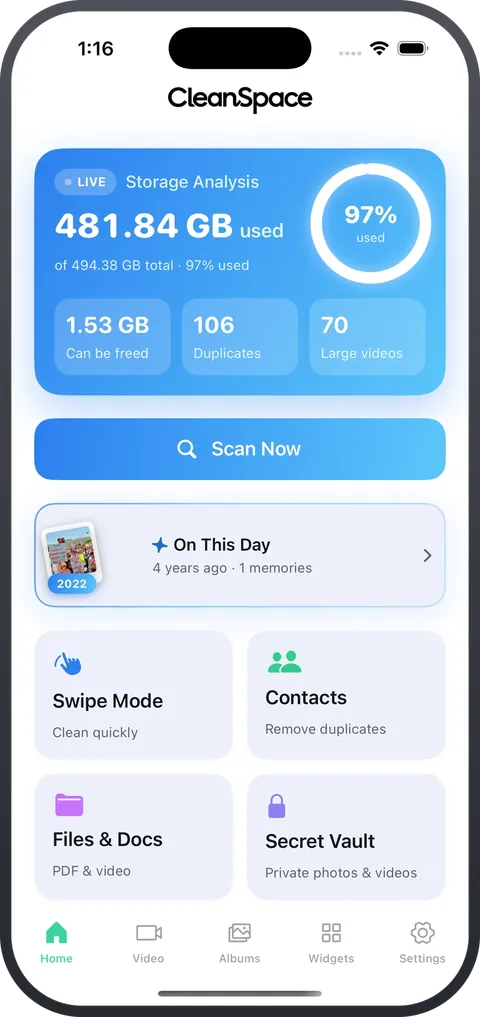
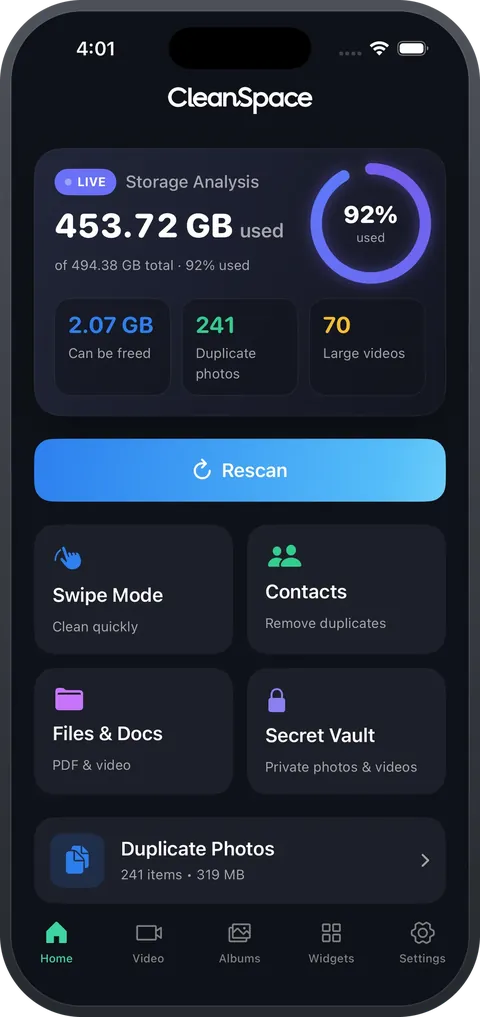
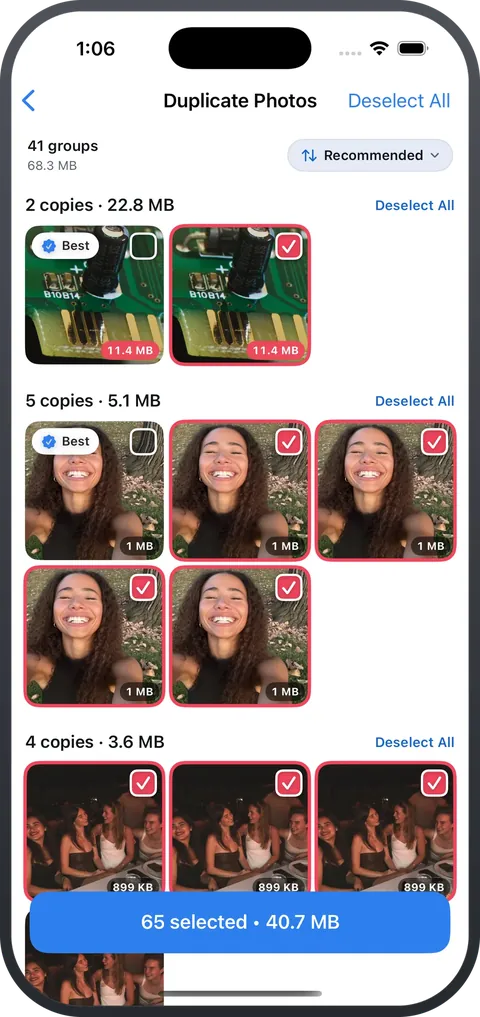
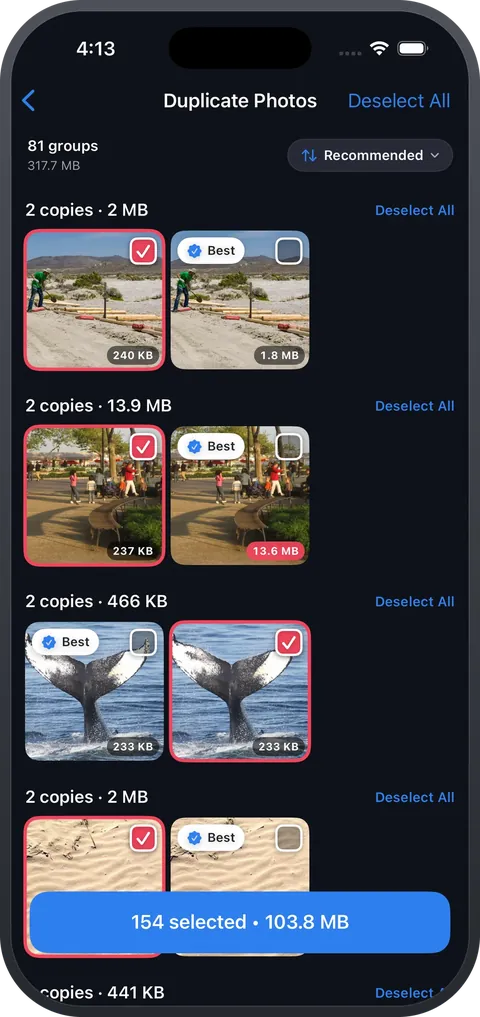
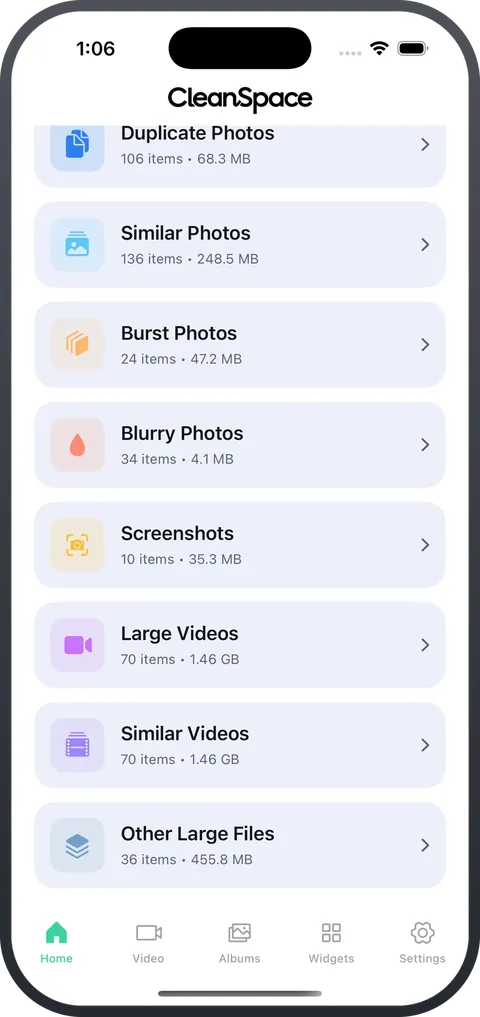
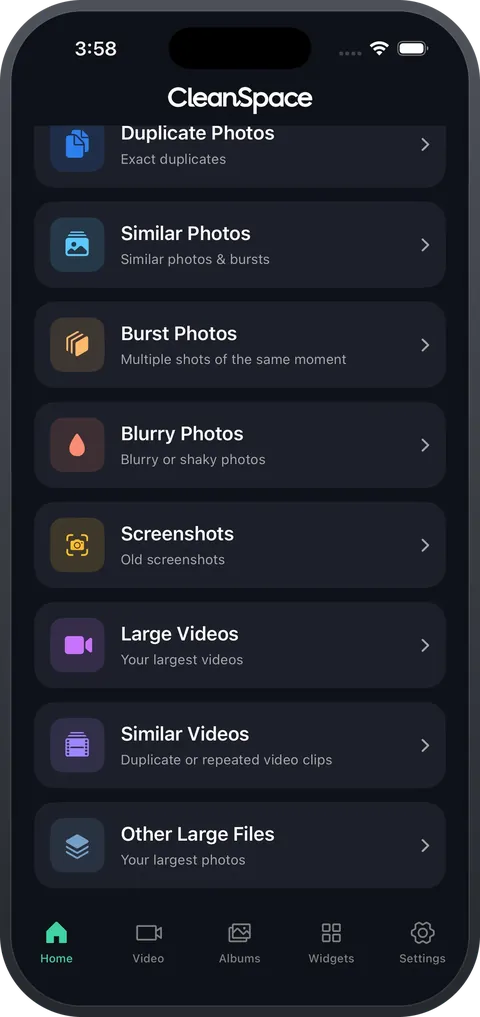
It gathers duplicates, look-alikes, blurry shots, screenshots and oversized videos in one place, so you can clear them in seconds. Every scan runs on your phone — not one photo is uploaded.
- Eight kinds of clutter: duplicates, look-alikes, bursts, blurry shots and more.
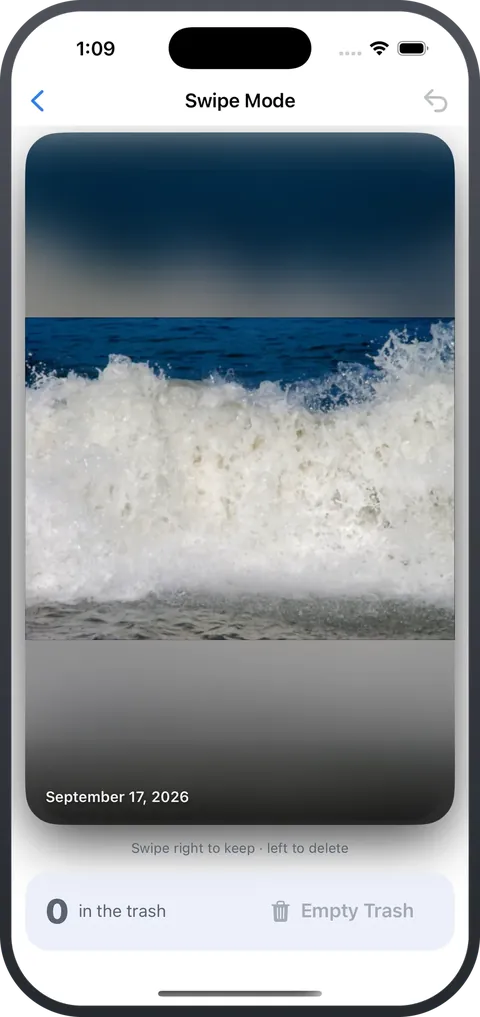
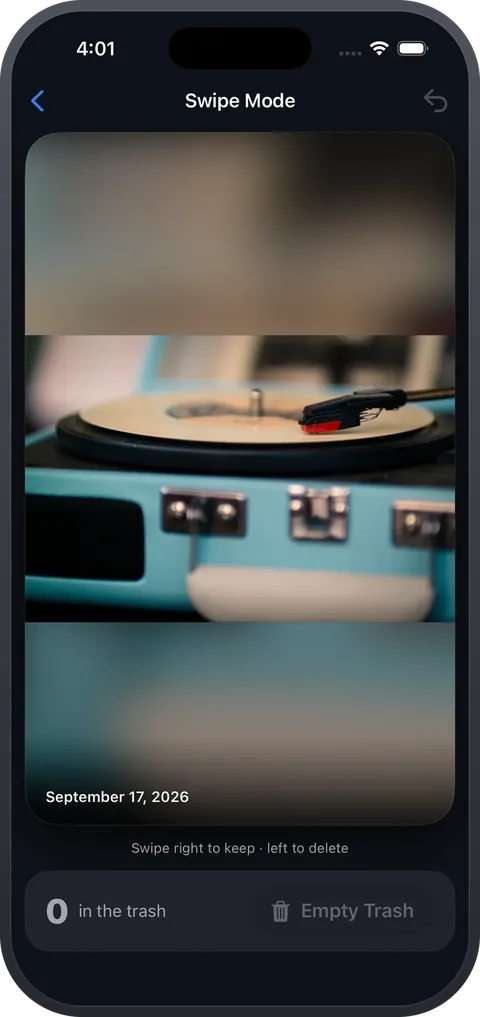
- Swipe mode: right to keep, left to delete, one photo at a time.
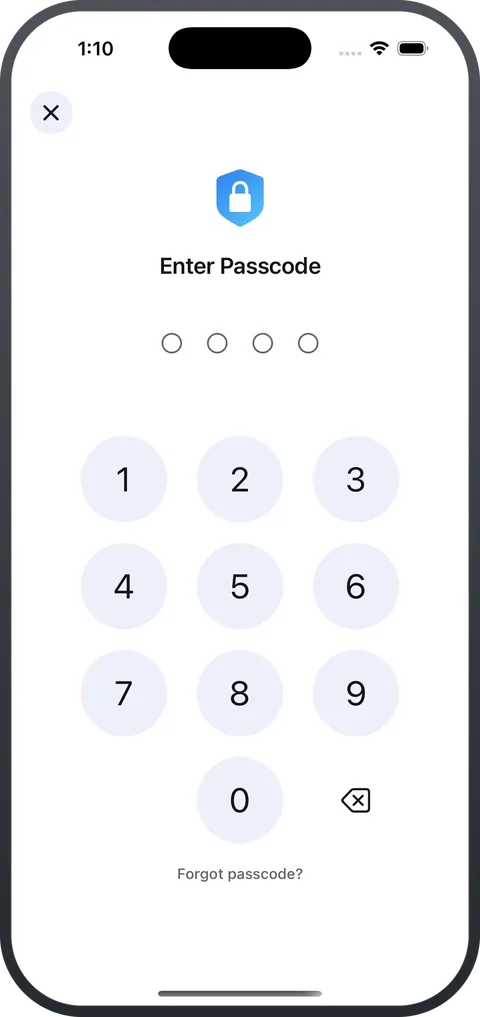
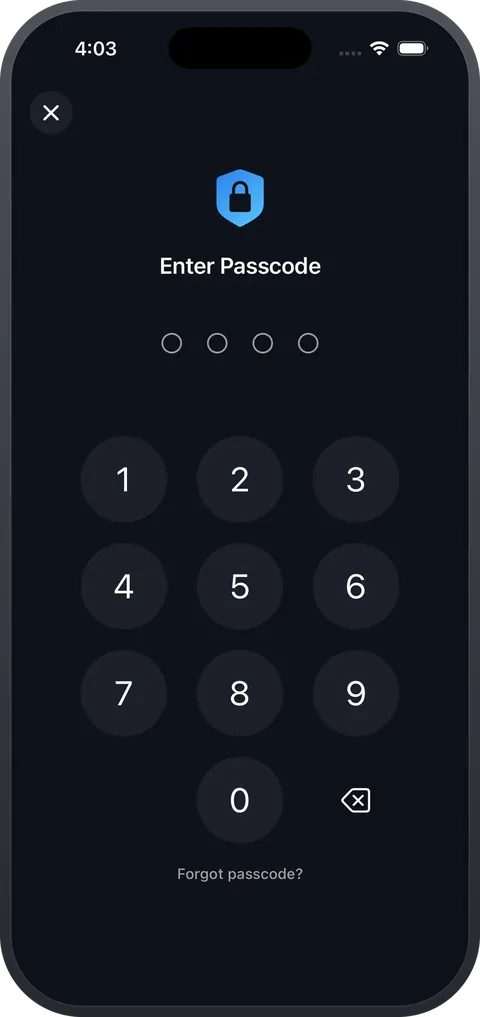
- A Secret Vault, encrypted and opened with Face ID or a passcode.
- iPhone
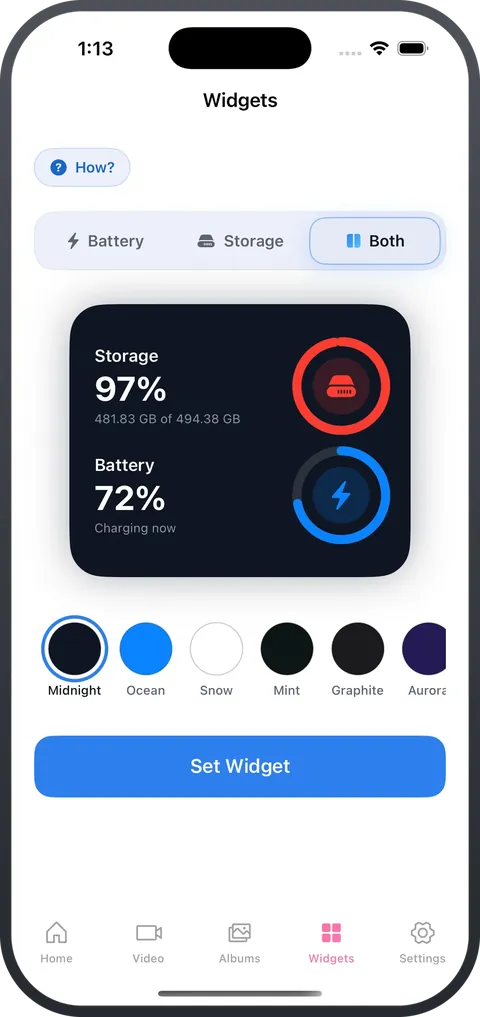
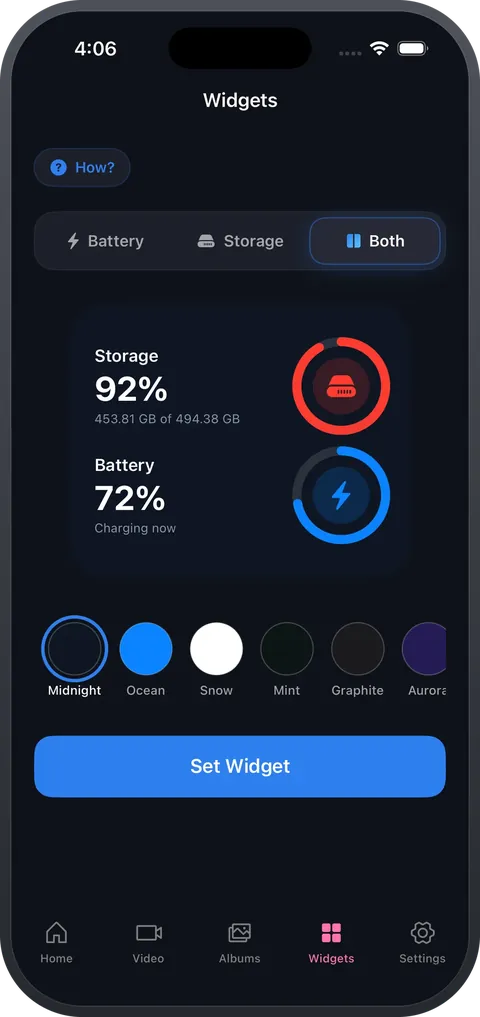
- Widgets
- iOS 16+


99.4 MB of free cleaning left
Try it: Tap “Scan”, then “Clean”.
Screenshots
Get it on your iPhone
Scan with your iPhone's camera to open CleanSpace on the App Store.
Questions
Is CleanSpace free?
It's free to download: scan your whole phone, clean your first 100 MB and keep up to ten items in the Secret Vault at no cost. Pro lifts those limits.
Are my photos uploaded anywhere?
No. Scanning and comparing happen on your phone, and there is no account.
Can I get back what I deleted?
Yes. Deleting goes through iOS, so photos move to Recently Deleted and stay there for 30 days before they are gone for good.
Which devices and languages?
iPhone on iOS 16 or later, in 21 languages including Arabic.
More apps from SouqApp
All apps-
 Arabicards
Learn Arabic
Arabic words you won't forget. Five minutes a day.
Coming soon
Try it here
Arabicards
Learn Arabic
Arabic words you won't forget. Five minutes a day.
Coming soon
Try it here
-
 TeslaKey
Car key
Your iPhone is the key.
Coming soon
Try it here
TeslaKey
Car key
Your iPhone is the key.
Coming soon
Try it here
-
 Salatuk
Prayer times
Your companion for keeping prayer.
Coming soon
Try it here
Salatuk
Prayer times
Your companion for keeping prayer.
Coming soon
Try it here